This project-planning guide separates documented model facts from workflow, software, door-fit and operating questions that must be confirmed for the specific project.
A hotel retrofit works when every opening has a clear access owner, credential lifecycle and recovery procedure. Select and test the configuration against the actual doors and operating process before committing it to a rollout.
1. Define the retrofit brief
Start with an opening schedule rather than a product count. Record door material, thickness, handing, existing lock body, frame condition and whether drilling or replacement is permitted. Define how guests, housekeeping, maintenance, managers and emergency responders receive, use, lose and recover access.
Before selecting a sample, assign a single owner to every unanswered item. The brief should distinguish a documented model capability from an intended operating workflow, so the quotation and acceptance record do not silently treat a project assumption as a delivered function.
2. Map openings before selecting a lock
Guest rooms, service doors and public areas need different permissions and recovery rules. Record traffic, network availability, power arrangement, emergency access and maintenance frequency for each opening. Fire, evacuation, local-code, door-compatibility and offline requirements remain project confirmation items.
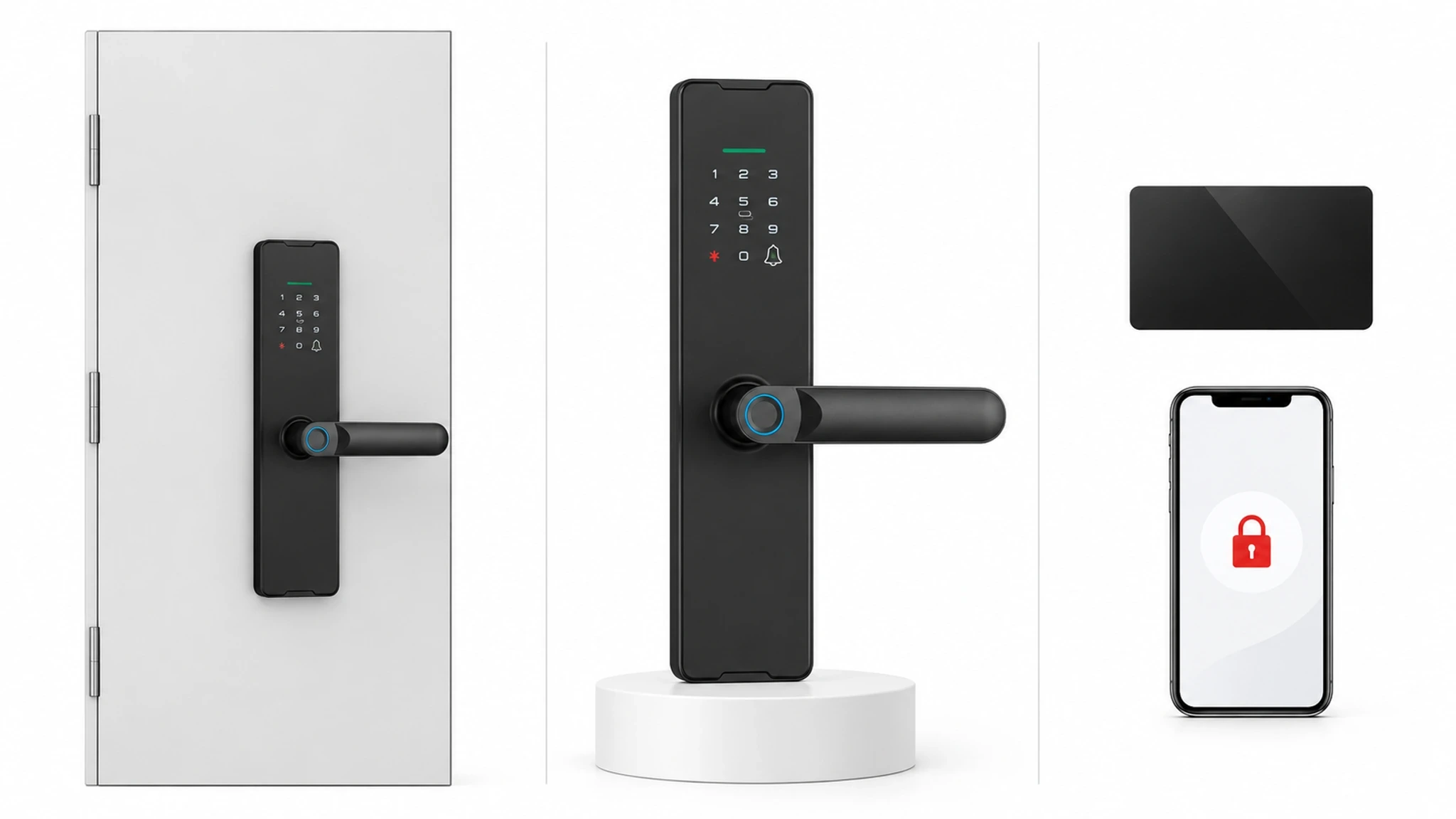
Use one row per opening, not one row per room type. Note which doors are guest-facing, staff-only or shared, then capture the condition that changes a recovery decision: local key access, battery access, network dependency, lock-body condition or emergency procedure.
3. Compare WF-X8 and WF-F8 by verified capability
WF-X8 is a candidate where the brief calls for listed Wi-Fi connectivity, Tuya Smart or Smart Life, fingerprint, password, card, App, mechanical-key access and Type-C emergency power. WF-F8 is a Bluetooth handle-lock candidate with listed Bluetooth, Tuya Smart or Smart Life, fingerprint, password, App, mechanical-key access and Type-C emergency power. These facts do not by themselves prove PMS connection or automatic one-guest-one-code lifecycle.
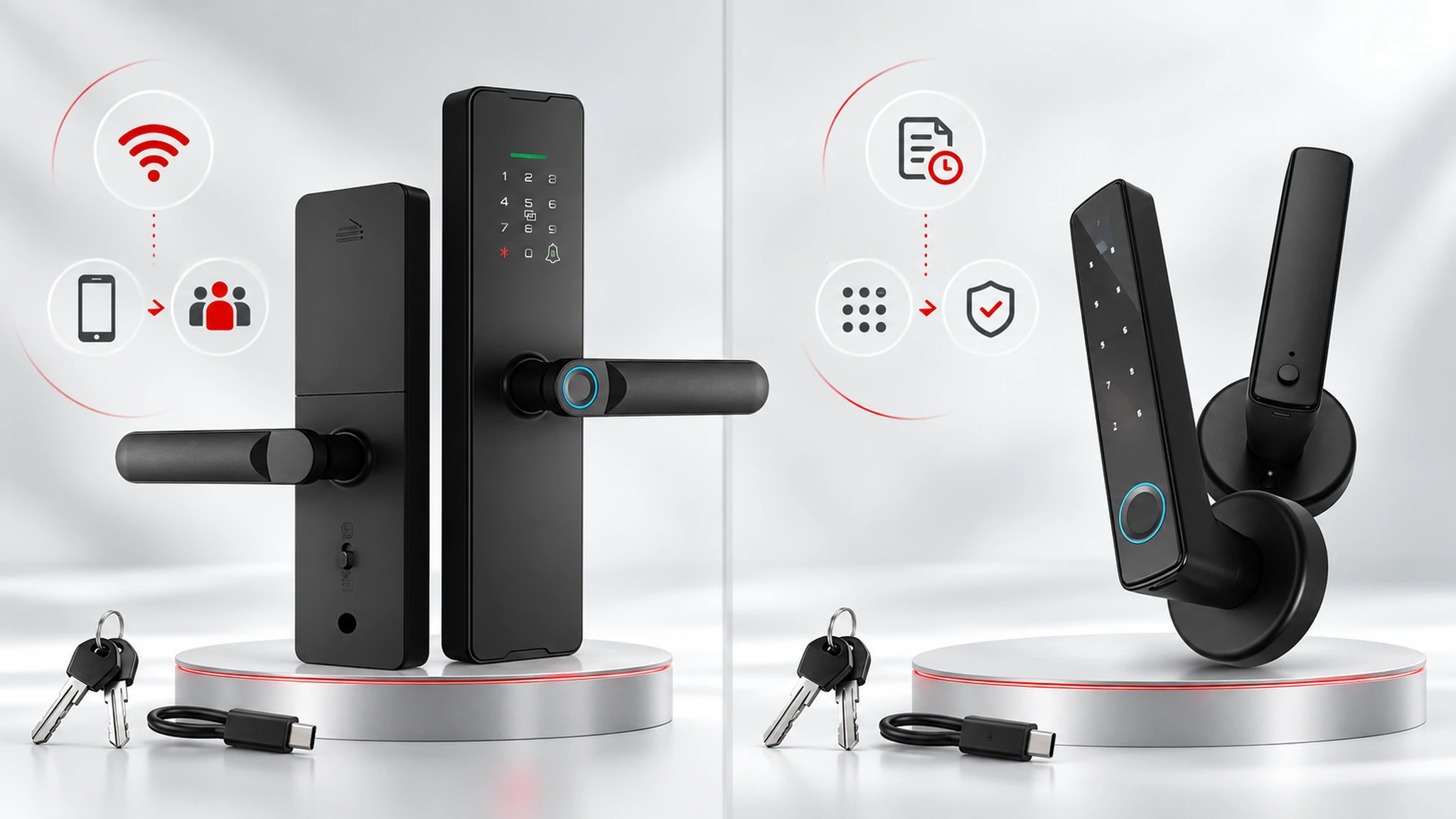
For WF-X8, confirm the intended Wi-Fi and App configuration can support the required credential process. For WF-F8, test the Bluetooth path and any dynamic or temporary-password process on a representative door. WF-016 may suit a defined Bluetooth-App, dynamic-password and light-retrofit requirement, but must not be presented as a hotel one-guest-one-code solution without project evidence.
4. Design guest, housekeeping and maintenance access
One guest, one code is a workflow outcome, not a keypad feature. Define how each credential is created, associated with a room, delivered, activated, expired and revoked. Include changed arrivals, cancellations, lost phones and short maintenance windows.
Define arrival-time changes, cancellations, early checkout, lost phones and denied access before configuration starts. The team should be able to identify who can override a credential, what evidence they need and how the exception is recorded.
5. Keep system boundaries explicit
Before quote approval, request a written boundary for the App or platform, account roles, network dependency, credential generation, audit information, emergency operation and support owner. Where a PMS or API is required, identify the exact interface and supported software version.
The boundary document should also state what remains available when a phone, network connection or external platform is unavailable. Do not replace missing evidence with an expectation that a future integration should be possible.
6. Run a representative pilot
Install the quoted model on a difficult representative opening. Record dimensions, lock-body fit, alignment, credential creation, expiry, emergency power and recovery steps. Keep the exact model, accessories, applicable software version, acceptance criteria and open issues with responsible owners.
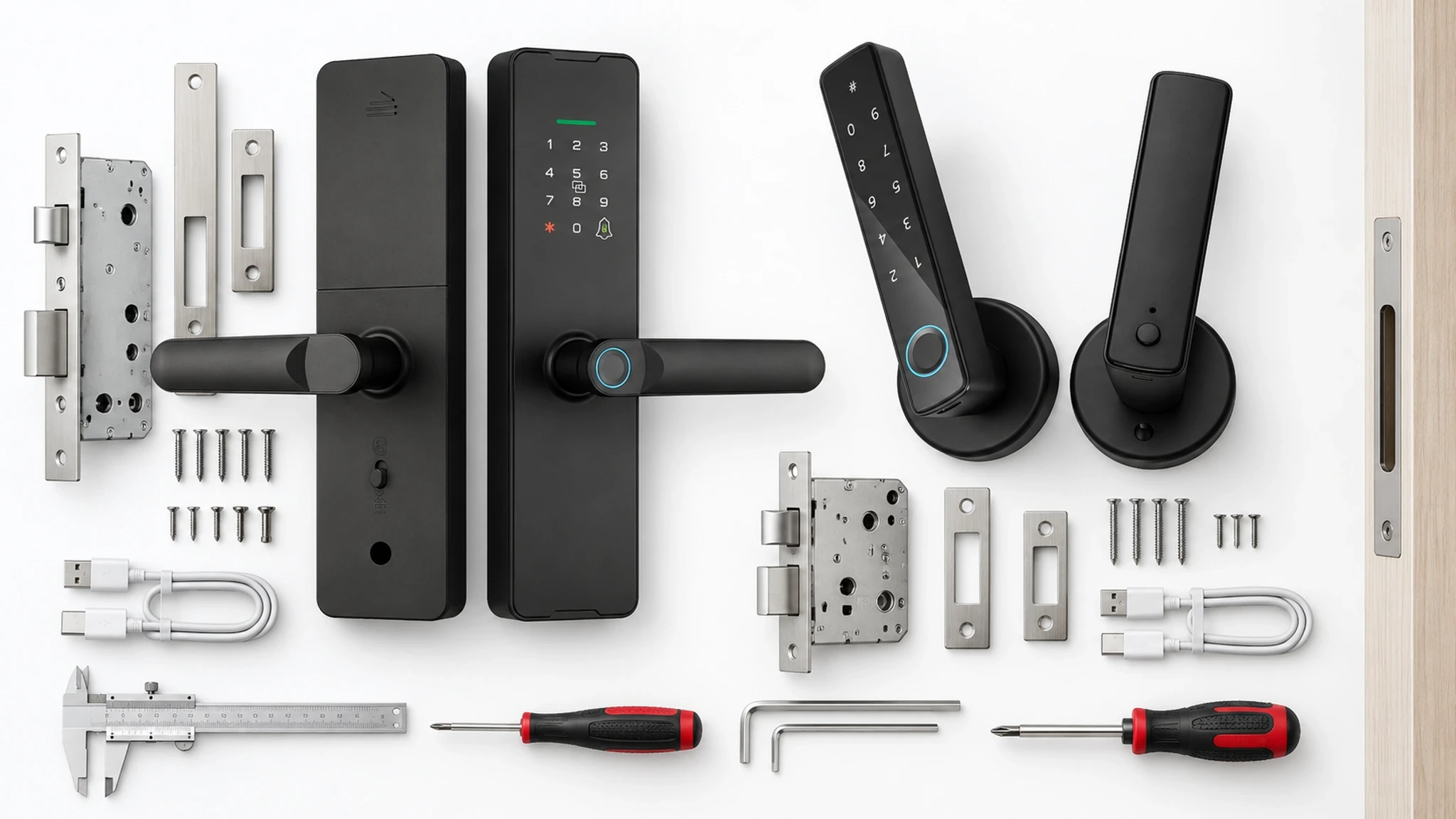
The pilot record should include photographs, test evidence and a list of deviations from the quote. A pilot validates only the door, configuration and workflow tested; it does not prove that every opening is identical.
7. Handover checklist
Confirm door and lock-body measurements for every opening type; match the model and accessories to the sample and quote; document credential steps; mark network, App, PMS/API and offline questions confirmed or pending; and assign emergency access, training, spares and support ownership.
Keep confirmed and pending items visible at handover. The operating team needs a usable escalation route for denied access, low power, lost credentials, door adjustment and support requests, rather than a generic list of product features.
8. Request a project review
Send the opening schedule, door photographs, existing lock information, credential workflow, network expectations and required quantity for a model-specific review.
A useful review package identifies the target property, opening count, representative door types, access roles, required dates and unresolved integrations. This lets the project team assess a concrete configuration instead of guessing from a product name.
Request a project review
Share your door types, access workflow, network expectations and quantity for a model-specific review.