Compare complete operating configurations rather than unit prices. Confirm every model, accessory, software and installation condition before approval.
A useful cost comparison separates documented model facts from project assumptions, then accounts for door preparation, installation, support, network work and operating responsibilities.
1. Set the decision boundary
Record door type, thickness, handing, location, traffic, users, credential method, network expectation, emergency process and support owner. Separate must-have requirements from preferred features and project-confirmation items.
A decision boundary prevents a low unit price from hiding a missing lock body, gateway, service procedure or installation allowance. It also gives procurement and engineering a shared basis for deciding which conditions must be demonstrated on a sample.
2. Use market data as context
The supplied September 2026 China online-market figures describe their stated reporting scope. They do not establish a global project price for WAFU models or predict a hotel retrofit quotation. Use them only to clarify whether a comparison is retail or B2B and which costs are included.
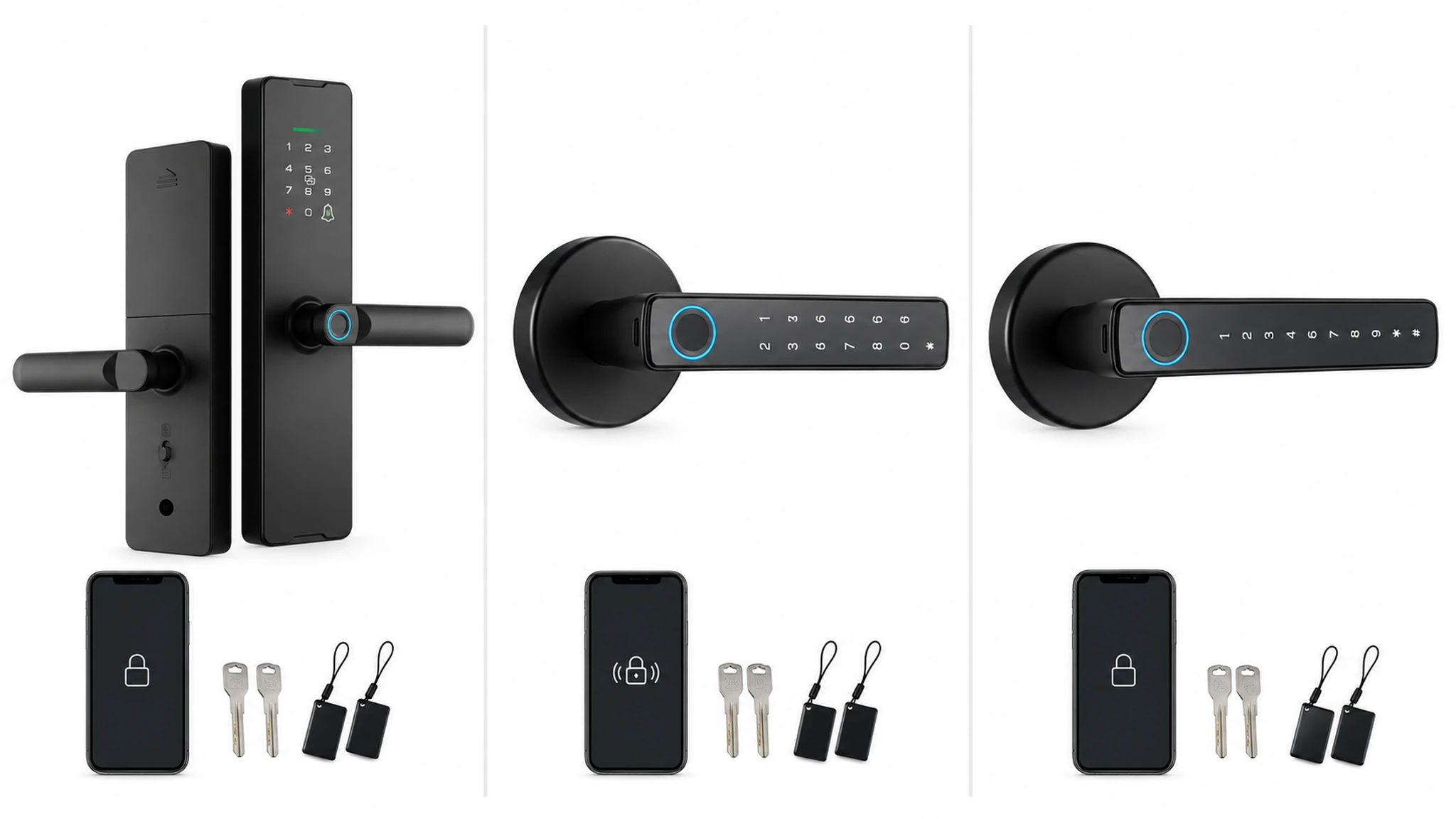
Keep the date, channel and scope alongside any market figure. A retail comparison may exclude preparation, installation, software administration, training, spares and after-sales support that determine an actual project quotation.
3. Compare real configurations
WF-X8 is a candidate to evaluate for listed Wi-Fi, Tuya Smart or Smart Life, fingerprint, password, card, App, mechanical-key access and Type-C emergency power. WF-F8 is a Bluetooth handle-lock candidate; WF-016 is a Bluetooth-App, dynamic-password and light-retrofit candidate. Do not add PMS, API, Mobile Key, certification, battery-life, MOQ or savings claims without project evidence.
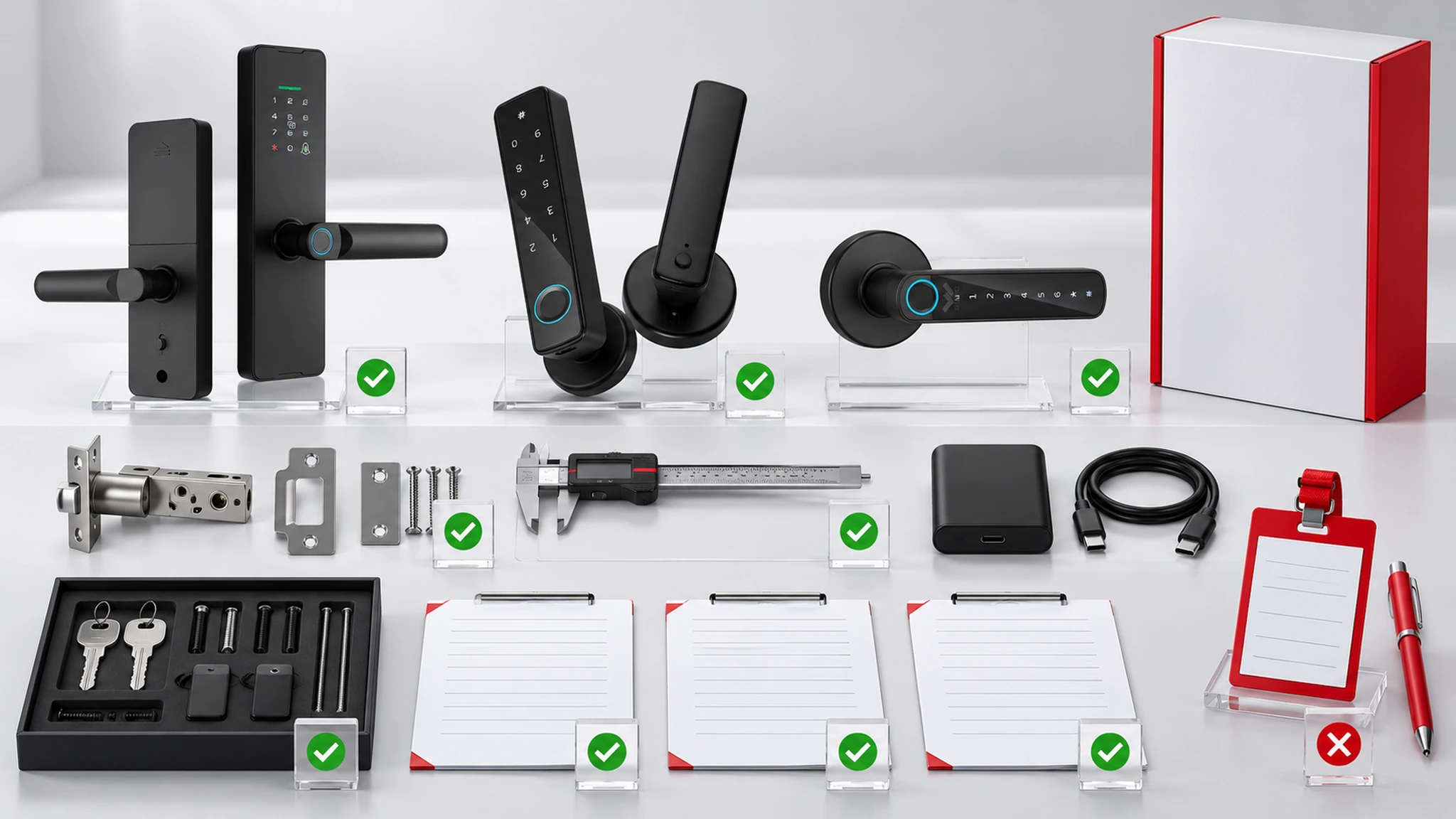
Mark each comparison statement as confirmed, to verify or not included. This avoids treating an App label, a familiar industry term or a competing product feature as proof of a capability for the quoted WAFU configuration.
4. Check door and installation fit
Compare actual door measurements, handing, frame clearance, existing cut-outs, surface condition and environment. Request a representative sample when a project contains more than one door construction.
Where a project contains several constructions, sample the difficult door before assuming a common installation method. Record tooling, alignment work, battery or charging access, replacement time and every site condition that affects the quote.
5. Define credential and network scope
Ask how credentials are created, delivered, activated, expired and revoked. Confirm the intended Wi-Fi and App operation for WF-X8, test Bluetooth and temporary-password workflows for WF-F8, and keep WF-016 within its documented scope unless project evidence proves more.
Credential rules should identify the account owner, approval path, exception handler and expected behaviour during a connectivity interruption. A workflow is ready for approval only when these responsibilities are written rather than inferred.
6. Review evidence and samples
Request a model-specific data sheet, lock-body drawing, accessory list, App or software scope, installation instructions and sample acceptance criteria. Compare the sample to the quotation line by line.
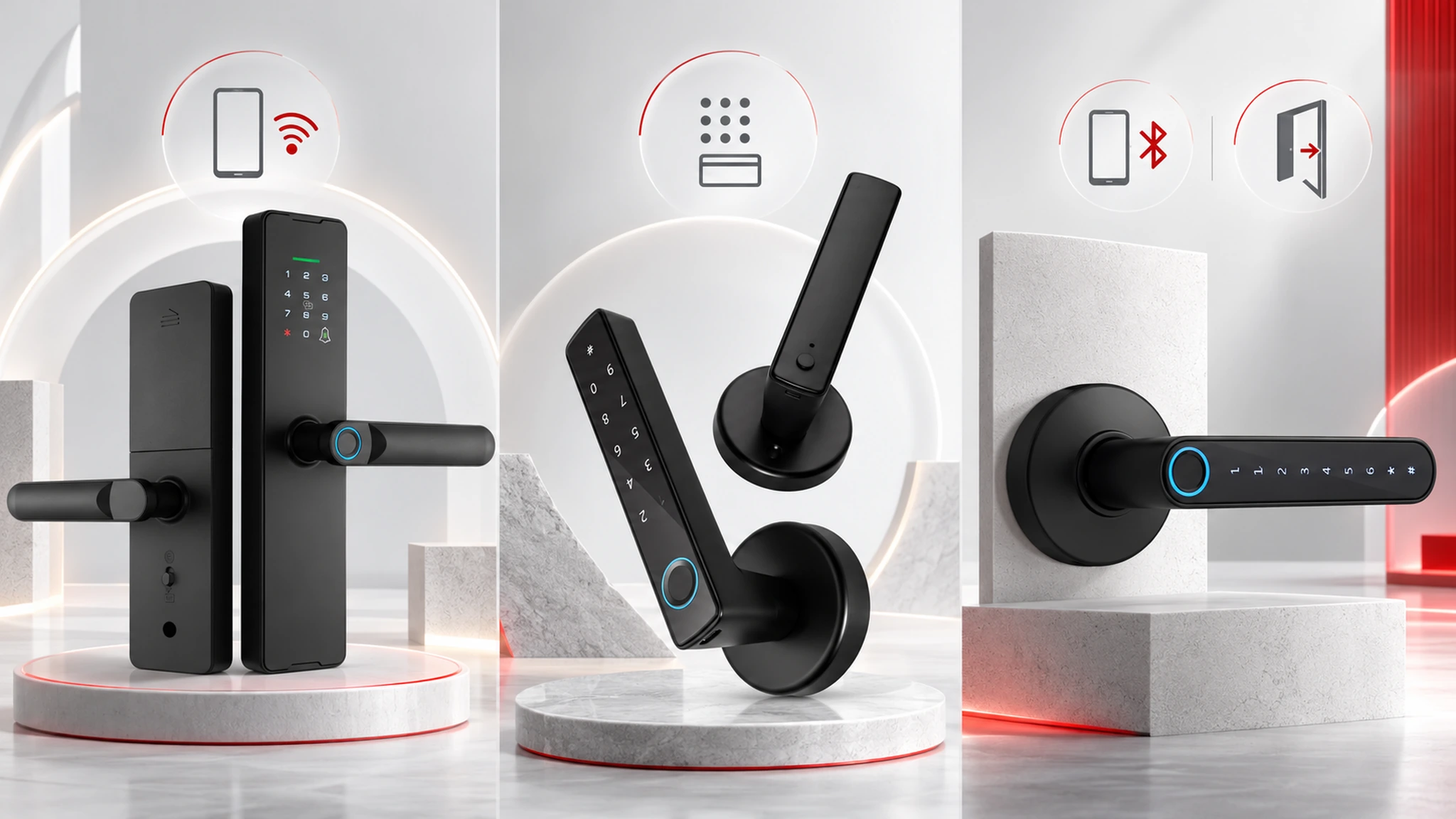
Compare the supplied sample, accessories and software scope against the commercial line item. Photograph the installed opening and record the credential and recovery tests that were actually performed, including failures and open owners.
7. Calculate total project cost
Include the lock, lock body, accessories, sample freight, installation, door preparation, gateways or network work, training, spare parts, charging or battery replacement, software administration and after-sales support.
Place assumptions beside every cost line. Pending interfaces, special door preparation and unresolved compliance reviews should remain visible as allowances instead of being treated as zero-cost items.
8. Buyer checklist
Name the exact model, finish, lock body and accessories; attach door conditions and sample results; write credential, network, emergency and support workflows; and assign change-control and acceptance owners.
Use the checklist at quotation review and again before a production or installation release. It should result in a named configuration, a traceable sample record and owners for each remaining project question.
9. Request a quotation review
Send the target door types, market, credential workflow, network expectation, quantity and sample requirements for a model-specific comparison.
Send the market, target doors, expected credential workflow, connectivity assumptions, quantity and sample requirements. The resulting comparison should remain model-specific and should state what still needs written confirmation.
Request a project review
Share your door types, access workflow, network expectations and quantity for a model-specific review.